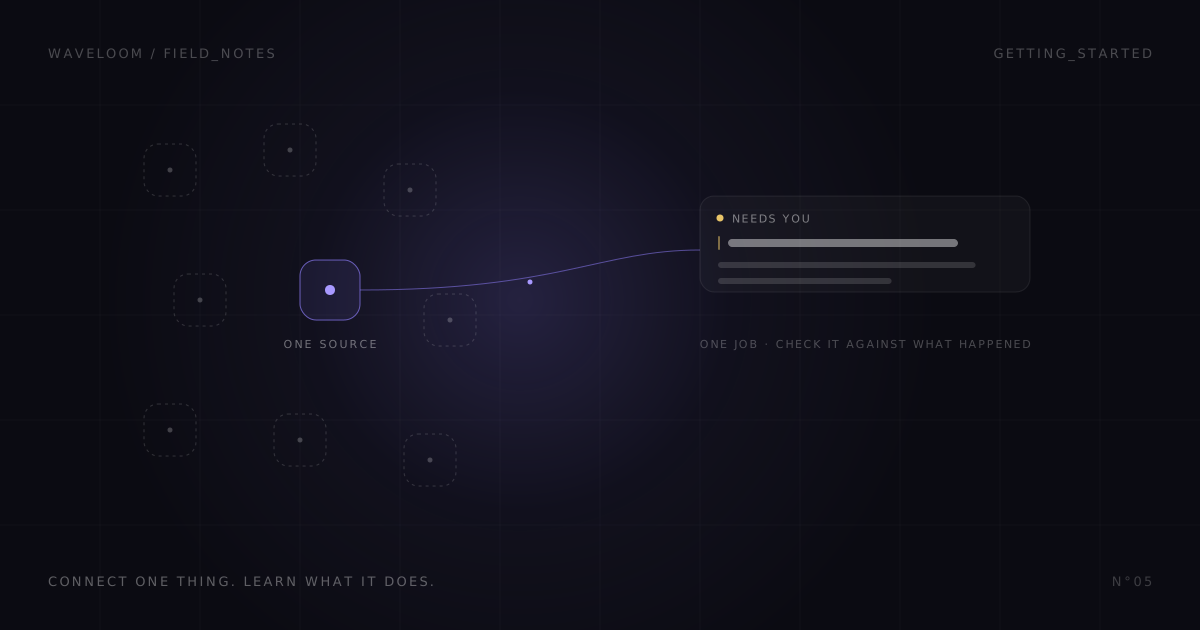
The first thing most people want to do with a new tool like this is connect everything. Gmail, Slack, Linear, Notion, the calendar, the CRM. It feels like the fastest way to see what it can do.
It is the slowest way to find out whether it is any good.
When everything is connected, a good card is hard to explain and a missing one is impossible to diagnose. Was the source listening? Did the update arrive? Did Waveloom misread it, or did it never see it? You end up with a vague impression instead of an answer.
So when someone from the beta asks me how to start, I give them the same advice: one job, one source, a few examples you can check yourself.
Pick a job before you pick an app
Write one sentence about the help you want. "Make me more productive" cannot be tested. These can:
- Notice an inbound sales question that deserves my reply.
- Tell me when a customer is blocked in the project we track.
- Surface the Slack DM where someone is waiting on me.
Then connect the tool where that evidence actually shows up. For the sales question that is Gmail. For the blocked customer it might be Linear. Use an account you are comfortable authorizing, and content you have permission to connect.
Connected is not the same as listening
This trips up almost everyone, so it gets its own section.
Authorizing an app gives Waveloom permission to talk to it. It does not mean Waveloom is receiving updates from it in the background. Some sources need you to pick a channel, a project or a page before they listen. Some apps are only available on demand in chat.
Before you judge the feed, open the source and check that it is listening to the thing you care about. If it is not, silence tells you nothing.
Tell it what matters, once
A new connection does not know your priorities. Tell it directly:
"Remember that the client handoff release is my priority this month. A customer who can't share finished work is relevant to that."
That sentence becomes context for judging relevance. It is not an exact matching rule, and it does not guarantee a card. But it is the difference between "a Linear issue changed" and "this is the thing you said you cared about."
Change one thing at a time. If you swap the source, the context and the goal in the same week, you will not know which one made the feed better.
Make something happen, then compare
Now produce two kinds of activity you can control. One that should matter: an issue comment where a customer is blocked and someone needs a decision. One that should not: fixing a typo in a title.
Give it a little time. Waveloom reviews events in batches, so a change in another app does not become a card the same second. Then look at the feed next to the original app and ask:
- Did the meaningful update become a card?
- Did the card give the real reason, or did it invent context and urgency?
- Did the routine change stay quiet?
Write down what you expected and what you saw. The feed can only show you what it surfaced. The original app is how you find out what it missed.
Quiet is not always correct
No card can be the right answer. It can also mean the source is not listening, the event has not arrived yet, or the daily allowance for reviewing new events has run out and review has been paused until it resets.
The feed shows how many items it reviewed, and each source shows its status. Check both before deciding that silence means success. If the event arrived and still no card appeared, that is useful feedback about relevance. Bring it to me with the source, the rough time and what you expected, and leave the tokens and private message contents out of it.
Test sending separately
Reading and sending are different tests. Do the reading test first. Only try a reply once you have a card with a supported reply action and a recipient who knows a test is coming.
Then review the draft properly. I wrote up the routine I use in five checks before sending an AI-written reply. Edit, approve, and confirm the result in the original app.
Add the second source when you can say why
Expand when the first source has earned it: the relevant updates are understood, the unnecessary cards are rare, and you know how to tell a source problem from a judgment problem. Then add the next source because it adds something specific to the same job, not because more connections feel like progress.
If you want a concrete place to start, inbound sales triage and product feedback worth a follow-up are both built around a single source.